Nudge Template and Styling Settings
rePete gives you control over how your reorder nudges look and sound. From tone and language to colors, fonts, and layout, this article walks through the customization options available for email, SMS, and the rePete widget.
Where to find these settings
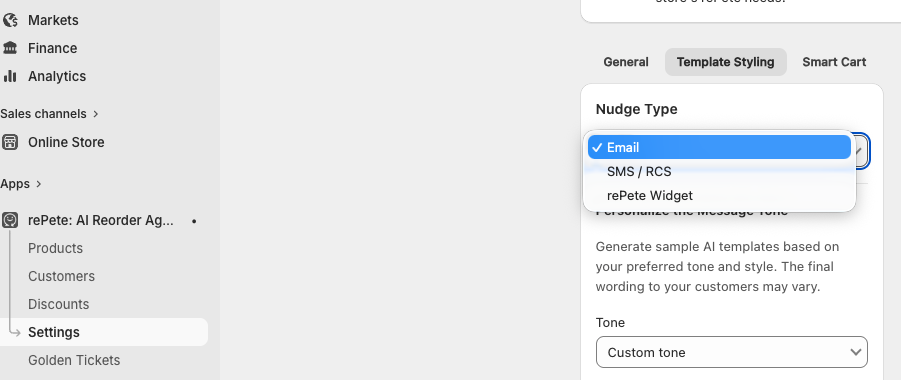
In the rePete admin, go to Settings and select the Template styling tab. Use the Nudge type dropdown to switch between Email, SMS, and Widget settings.
Email nudges
Tone
Choose a preset tone from the dropdown, or enter your own instructions in the Custom tone field. Custom tone instructions can include brand guidelines, values, or anything else you want reflected in your messaging. rePete uses this to generate your email templates. The custom tone will only be general language and not be product specific. If you require certain phrases or disclaimers, please add a prompt with specific messaging.
Note: Any changes to tone require you to regenerate your templates before they take effect. See Regenerating templates below.
Language
Email nudges are currently supported in English and French.
Note: Need support for another language? Reach out to the support team or use the chat widget to submit a feature request.
Company logo
Upload your company logo to have it included in your email templates.
Store address
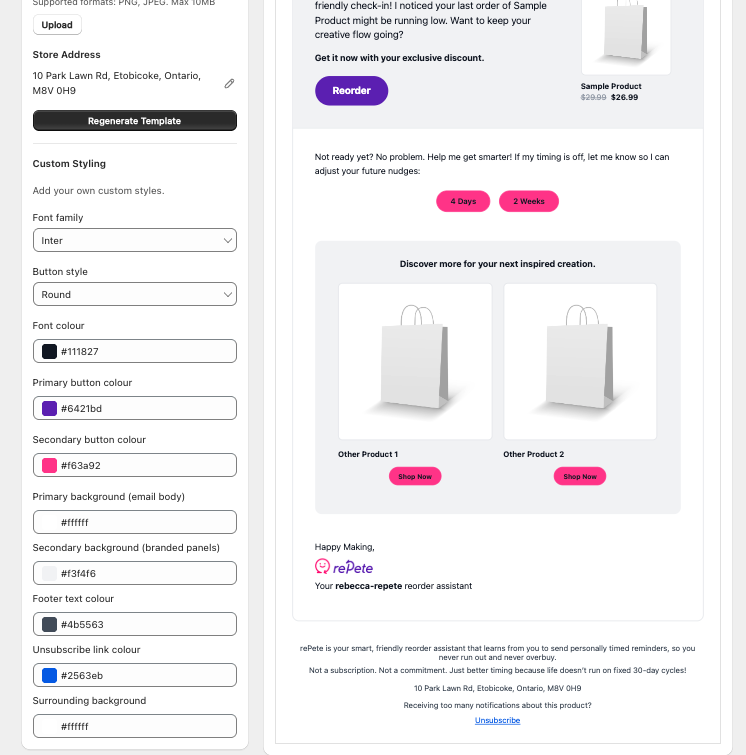
A store address is required in the footer of outgoing emails. rePete will automatically pull this from your Shopify profile. If you need to use a different address, you can edit it directly in the template settings.
Custom styling
Adjust the visual appearance of your email templates using the following options:
Font family
Button style
Font colour
Primary button colour
Secondary button colour
Primary background colour
Secondary background colour
Footer text colour
Unsubscribe link colour
Surrounding background colour
Alert: the rePete signature and footer messaging cannot be removed or changed
Changes will populate in the template preview as you make them. Make sure to save the page before exiting so your changes are applied.
Regenerating templates
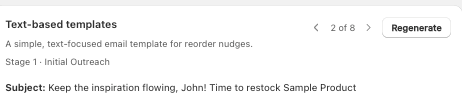
To regenerate all templates at once, click the Regenerate template button below the store address section.
To regenerate a single template, scroll to that template and use the individual regenerate option.
SMS nudges
Tone
Tone works the same way as email. Choose a preset tone or enter your own instructions in the Custom tone field. Custom tone instructions can include brand guidelines, values, or anything else you want reflected in your messaging. rePete uses this to generate your email templates.
Note: Any changes to tone require you to regenerate your templates before they take effect.
Language
SMS nudges are currently supported in English, French, and Spanish.
Note: Need support for another language? Reach out to the support team or use the chat widget to submit a feature request.
Widget
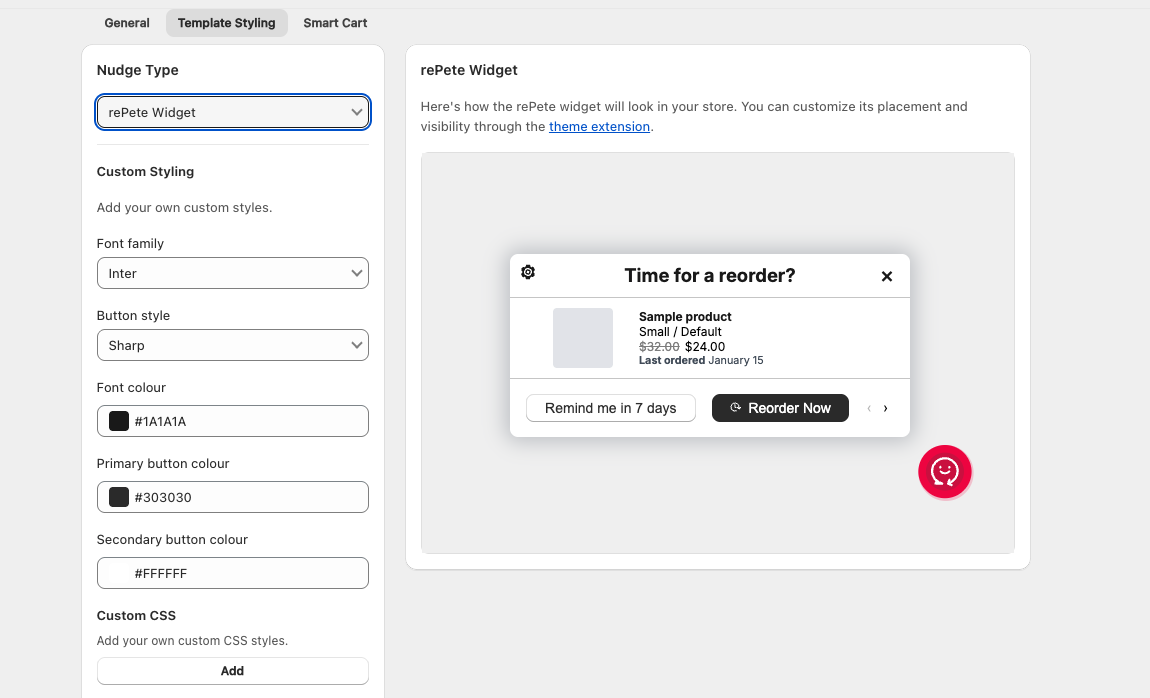
The Widget settings page lets you adjust the styling of the rePete widget and preview how it will appear to customers on your storefront.
Note: Customers must be logged in to see the widget and their reorder history. Widget placement and display timing are managed through the theme editor.
Custom styling
Adjust the appearance of the widget using the following options:
Font family
Button style
Font colour
Primary button colour
Secondary button colour
Custom CSS
Add custom CSS in this section to apply additional styling to the widget.
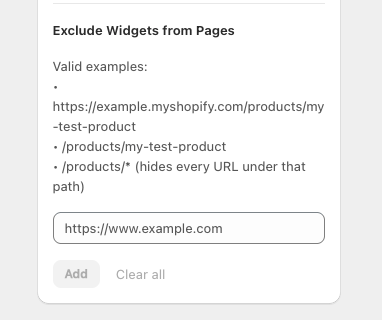
Exclude widget from pages
To prevent the widget from appearing on specific pages, add the page URLs to this section.
To add a URL, enter it in the field and click Add.
To remove a URL, click the X icon next to it.