Where can I view a bundle?
How do I view a bundle in my Shopify admin dashboard or see how a bundle appears on my storefront?
You can preview a bundle in the Bundles app admin or on the storefront. To preview or view your bundle, follow these steps:
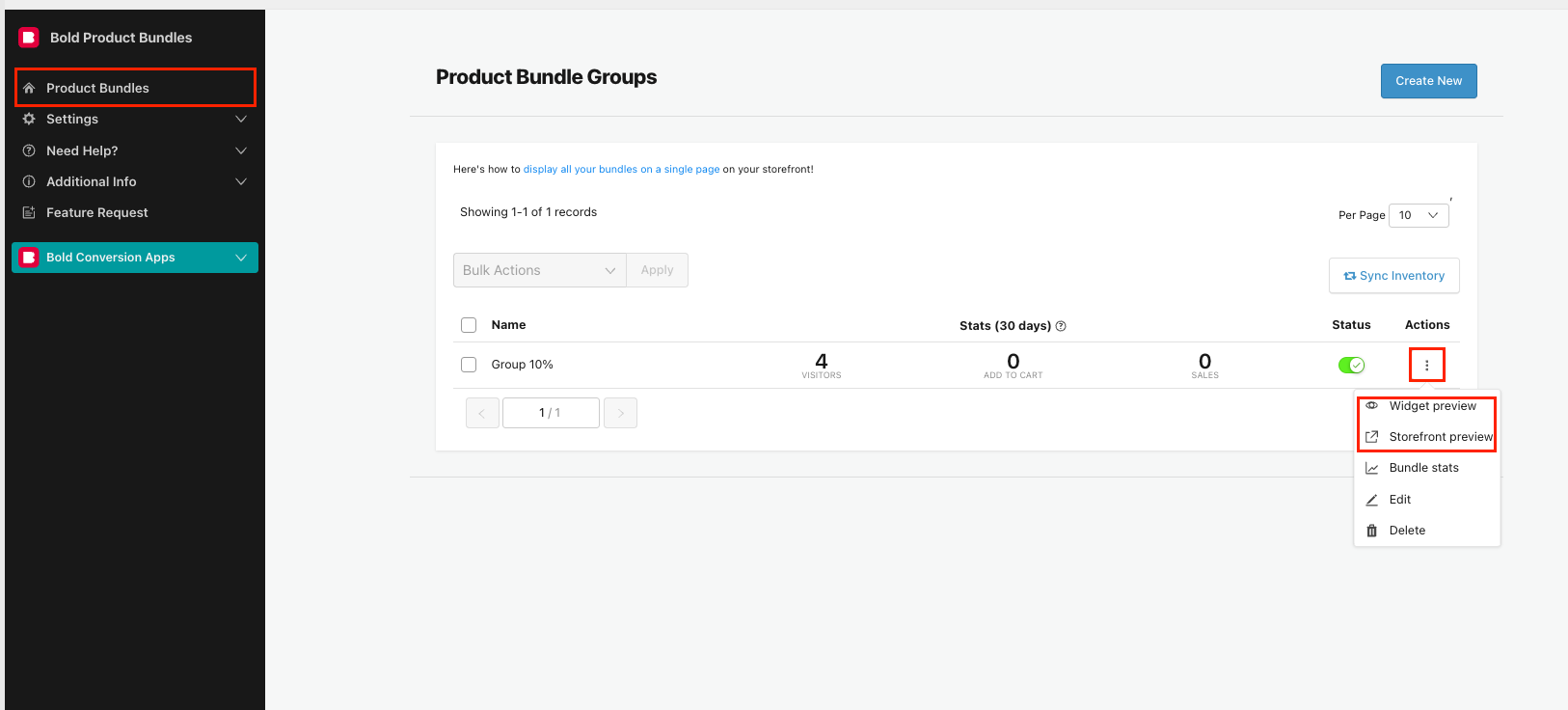
In Bundles, navigate to the Product Bundles page.
Click the three dots under the Actions column on the same row as the bundle you would like to view.
- Choose one of the following options:
Widget preview: This will show you a preview right in the Bundles admin.
Storefront preview: This will take you to the storefront product page to allow you to preview the bundle.