Remove the Customer Pricing Tag from Shopify's Email Notifications
Shopify's order confirmation emails will generally display the customer pricing tags that are associated with a specific product.
In most cases, these tags don't provide much information to your customers who are already aware they are wholesale purchasers.
Setup
To remove the customer pricing tag on a variant name from your Shopify emails, please follow these steps:
From Shopify's admin, select Settings.
Select Notifications.
Under Orders, select Order confirmation.
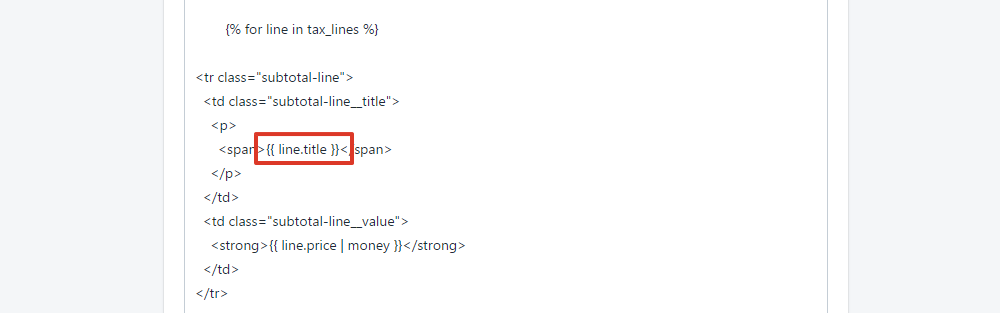
Find the following line of code:
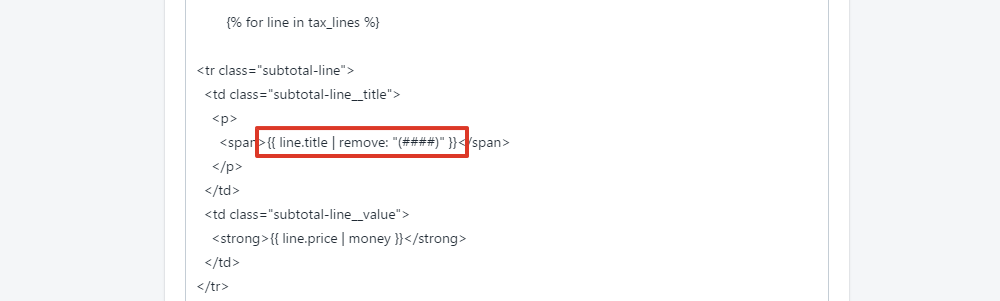
{{ line.title }}Replace it with:
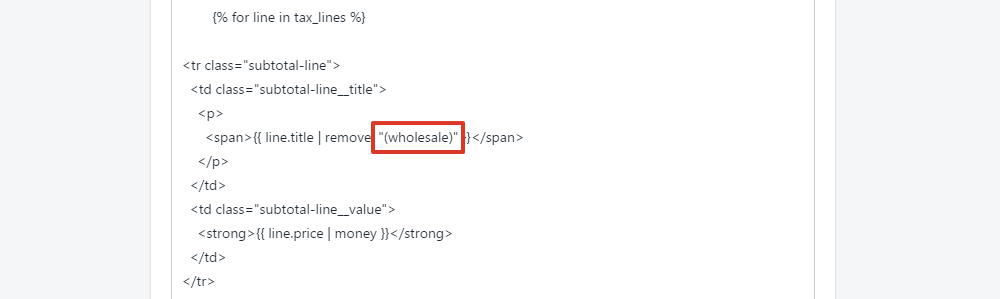
{{ line.title | remove: "(####)" }}Replace #### with the customer pricing tag you want to hide.
Select Save.