
Add Upcoming orders extension into the Shopify Customer Accounts page
You can now add the Upcoming orders extension to your Shopify Customer Accounts page, allowing customers to easily skip, resume, or immediately ship their next subscription order.
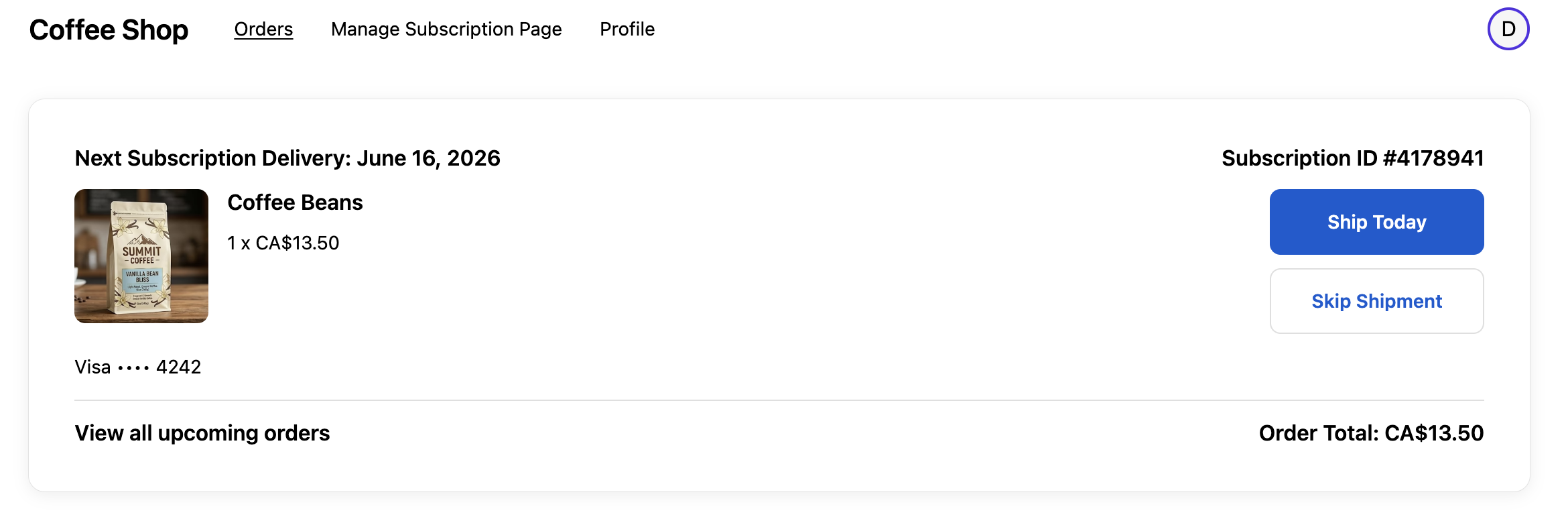
To add the Upcoming orders extension to the Orders page in Customer Accounts, follow the steps below:
Open the Shopify Admin for your store
Customize your current theme
Use the drop down at the top of the page (it initial shows Home page), select Checkout and customer accounts
Click on the App icon in the top left
Click the + sign by the Upcoming orders option
Click Orders
Review the preview of the Upcoming orders extension on the Orders page
Click Save in the top right