
Default to Subscribe
Bold Subscriptions allows you to set the default option on your product pages to Subscribe and Save. This ensures your customers never miss the opportunity to subscribe to your products. Customers can still change the option to One-time Purchase if desired, however, defaulting to subscribe helps improve conversion by reducing the number of steps it takes for your customers to subscribe to your products.
Example
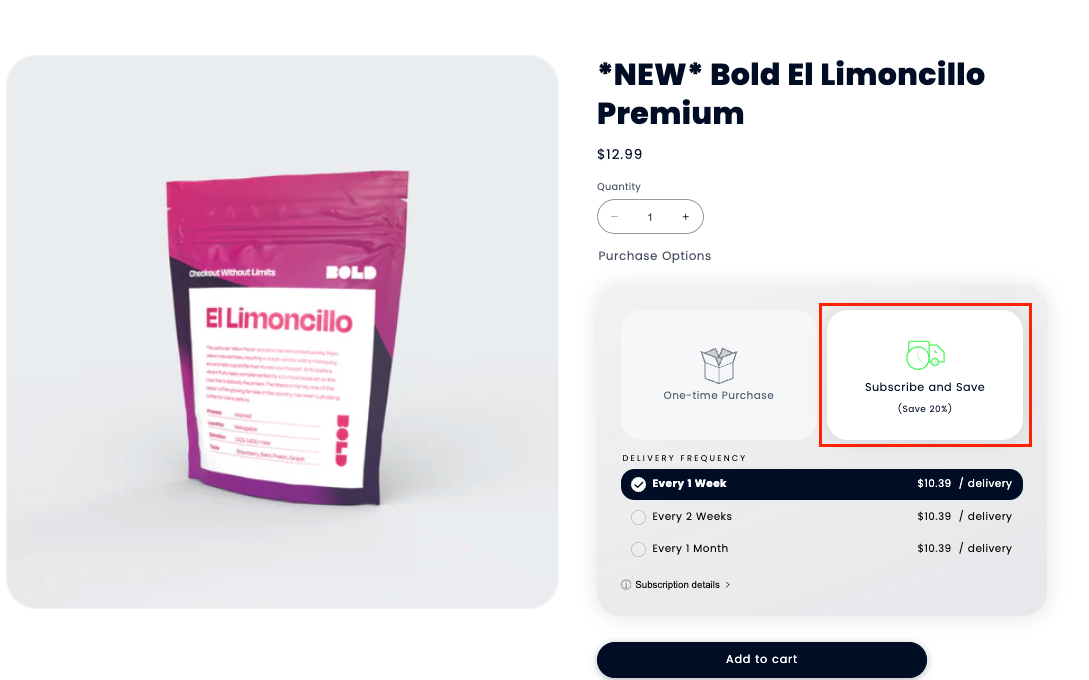
Video Walkthrough
Setup
To set the default option to Subscribe and Save, please follow the steps below.
From your Shopify admin, navigate to Sales channels > Online Store > Themes.
Next to your theme name, click Customize.
Expand the drop-down template menu at the top of the page, and select a product template with subscriptions.
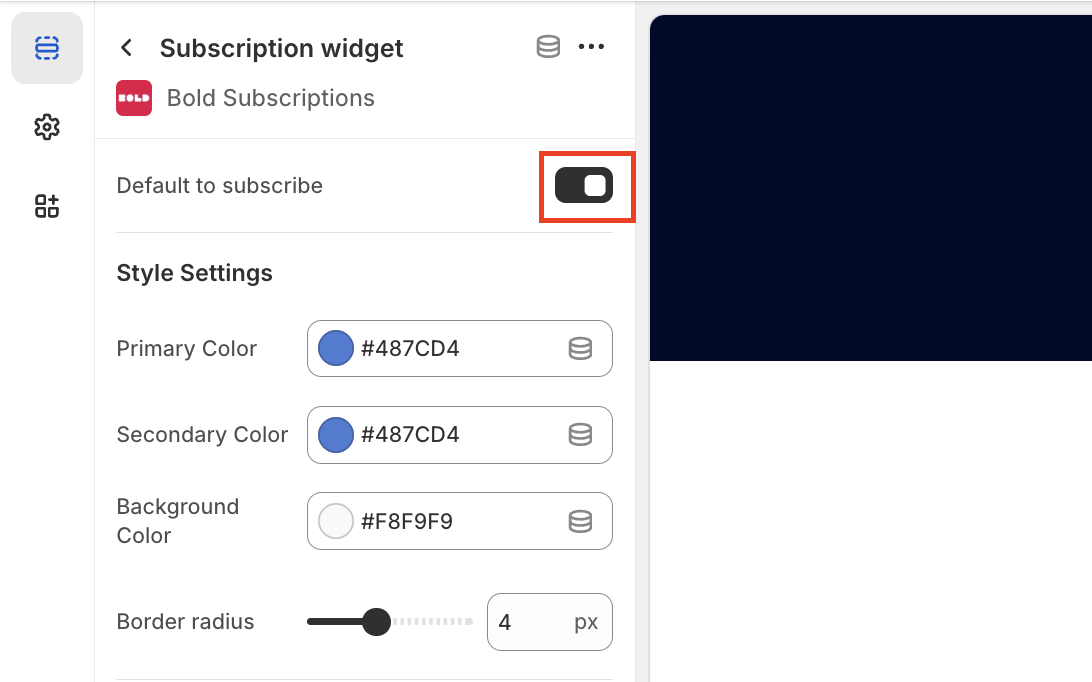
Click on the Subscription widget app block to access the settings.
Move the toggle to the right next to enable Default to subscribe.
For information on how to customize other elements in the subscription widget, please visit Customize the Subscription Widget App Block.